Understanding Cricut SVG Files
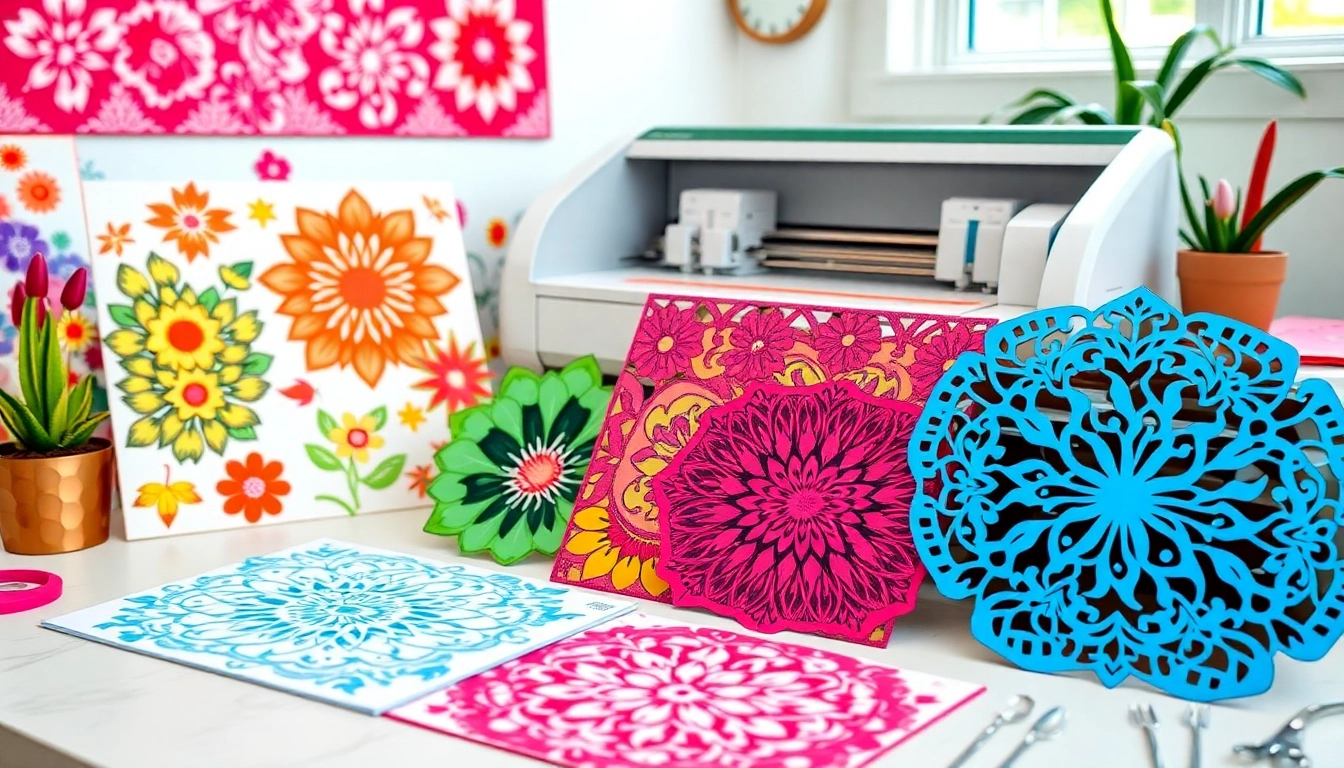
In the world of crafting, particularly for Cricut users, SVG files play a pivotal role. SVG, or Scalable Vector Graphics, is a format that enables intricate designs to be resized without losing quality, making it ideal for cutting machines. Whether you’re a seasoned crafter or a beginner, understanding the significance of Cricut SVG files is essential for optimizing your projects and unleashing your creativity.
What is an SVG File and Its Importance for Cricut Users?
SVG files are vector-based graphics that define images in XML format, allowing for scalability. For Cricut users, this is vital as it ensures that no matter how large or small you resize an image, it maintains its crispness and detail. Unlike raster images, which can pixelate when enlarged, SVG files provide smooth lines and precise cuts, enhancing the quality of your crafted projects.
The importance of SVG files extends beyond just aesthetics. They are integral to the functionality of cutting machines. When you upload an SVG file to your Cricut software, the software interprets the file to execute accurate cuts. This allows for a wide range of crafting applications, from creating home decor to personalized gifts and intricate card designs.
Key Benefits of Using Cricut SVG Files in Your Projects
- High-Quality Output: SVG files provide high-quality results due to their vector nature, ensuring professional-looking crafts.
- Versatility: SVG files can be used for various materials, including vinyl, paper, fabric, and more, making them suitable for a wide range of projects.
- Cost-Efficiency: Many SVG files are available for free or at a low cost, making them an affordable option for hobbyists and small business owners alike.
- Ease of Use: Uploading and using SVG files is straightforward with Cricut Design Space, allowing even beginners to dive into crafting without a steep learning curve.
How to Identify Quality Cricut SVG Designs
Not all SVG files are created equal, and as a crafter, knowing how to identify quality designs is crucial. Here are some tips:
- Check Reviews and Ratings: Look for SVGs that have been positively reviewed by other users to ensure you are choosing quality files.
- Examine the File Structure: Quality SVG files will have clean paths and fewer anchor points, which leads to smoother cuts.
- Preview Before Purchase: Many websites offer a preview feature; use it to visualize how the design will look when cut.
Where to Find Free and Paid Cricut SVG Files
As the popularity of Cricut crafting continues to grow, so does the demand for unique SVG files. There are numerous resources available online, which offer both free and paid options for obtaining high-quality SVG files to use in your projects.
Top Websites Offering Free Cricut SVG Files
For budget-conscious crafters, numerous platforms provide a wealth of free SVG files. Websites such as Design Bundles, Freepik, and HelloSVG are excellent starting points where you can explore a variety of designs catering to different themes and occasions.
Comparing Paid SVG Resources: Value and Quality
While free SVG files are plentiful, sometimes investing in paid resources can yield better results in terms of quality and exclusivity. Websites like Etsy and SVGCuts offer a range of paid SVG files that often come with commercial licenses, providing crafters the legal backing to sell their creations. When comparing these resources, consider factors like the file’s complexity, the reputation of the designer, and customer support options.
Community Resources: Finding SVG Files on Social Platforms
Social media platforms and crafting communities can also be great places to find SVG files. Facebook groups dedicated to Cricut users often share links to free resources and even offer custom designs made by group members. Sites like Pinterest are also rich with ideas and links to downloadable SVG files that can inspire your next project.
Creating Your Own Cricut SVG Files
If you’re looking to personalize your crafting experience, creating your own SVG files can be an exciting venture. This allows you to design unique pieces that reflect your personal style and meet your specific project needs.
Step-by-Step Guide to Designing Custom SVGs
Creating your own SVG file might seem daunting, but with the right tools and step-by-step guidance, it can be a rewarding process:
- Select Design Software: Use programs like Adobe Illustrator, Inkscape, or CorelDRAW to create your designs.
- Create Your Design: Start with a sketch and then use vector tools to replicate it digitally. Make sure all lines are closed.
- Export Your File: Save your file as an SVG, ensuring you optimize it for cutting machine compatibility.
Software Options for Building Cricut SVG Files
There are various software options available for crafting SVG files. Adobe Illustrator is a popular choice for professionals due to its advanced features, while Inkscape is a free alternative that offers robust tools for vector graphic design. Canva is also gaining traction among beginners for its user-friendly interface, although exporting files in SVG format requires a Pro subscription.
Common Pitfalls in SVG Creation and How to Avoid Them
While creating SVG files can be enriching, several common pitfalls can derail your projects. Here are some mistakes to watch out for:
- Complex Designs: Keep your designs simple, especially when starting. Overly complex designs can confuse cutting machines.
- Ignoring Cut Lines: Ensure all cut lines are closed to avoid issues during the cutting process.
- Improper File Format: Always export your designs as SVG. Other formats may not be compatible with Cricut software.
Best Practices for Using Cricut SVGs in Projects
Once you have your SVG files ready, understanding how to use them effectively will enhance your crafting experience. Following best practices can lead to more successful projects and better overall satisfaction.
Choosing the Right Materials for Your Cricut Projects
The type of material you choose will significantly impact the final product. For instance, adhesive vinyl is excellent for making stickers, while heat transfer vinyl is ideal for clothing. Make sure to select materials that are compatible with your Cricut machine and designed for the specific project at hand.
Optimizing SVG Files for Better Cutting Performance
Optimize your SVG files before cutting by simplifying designs and removing unnecessary elements. This helps reduce load times and ensures smoother cuts. Additionally, adjusting settings in Cricut Design Space, such as cut speed and pressure, can further enhance performance.
Expert Tips for Making Professional-Looking Crafts
To elevate your crafts to a professional level, consider these expert tips:
- Test Cuts: Always perform test cuts on scrap materials to ensure your settings are correct.
- Layering: Utilize layering techniques when working with multiple colors or materials to achieve depth and texture in your projects.
- Finishing Touches: Pay attention to detailing, such as weeding excess vinyl or adding embellishments, for a polished final product.
Future Trends in Cricut SVG Crafting
The future of Cricut crafting is vibrant, with emerging trends that will shape how enthusiasts approach their projects in the coming years. Staying updated on these trends will help crafters stay ahead in a constantly evolving space.
Emerging Design Trends for 2026 and Beyond
As we step into 2026, several key design trends are predicted to dominate the crafting landscape. Minimalism and sustainability are expected to gain traction, with designers focusing on eco-friendly materials and simpler shapes that resonate with modern aesthetics. Additionally, personalized products that reflect individuality will continue to be in high demand.
How Technology is Shaping the Future of Cricut Crafting
Advancements in technology, such as artificial intelligence and augmented reality, are likely to influence how crafters design and create. For instance, AI-powered tools could assist in generating unique SVG files based on user preferences, while augmented reality could allow users to visualize their creations in real-time environments before cutting.
Community Insights: What Users Expect from SVG Resources
As the crafting community grows, so do expectations for SVG resources. Users are increasingly looking for high-quality, unique designs that are easy to access and modify. They also value community support and tutorials that help improve their crafting skills, reflecting the desire for not just products, but a learning experience.