Understanding the Call History Checker
What Is a Call History Checker?
A call history checker is a digital tool designed to allow users to retrieve, analyze, and interpret their call logs effectively. Individuals and businesses alike benefit from this solution by gaining insights into communication patterns, missed calls, and the overall usage of phone services. By utilizing such a device, users can ensure they do not overlook essential communications and maintain better control over their telephonic activities.
Key Features of Call History Checkers
When selecting a call history checker, it is crucial to identify its key features. Some fundamental features include:
- Comprehensive Call Logs: Access to complete records of incoming, outgoing, and missed calls.
- Call Duration Tracking: Insightful metrics on call lengths, which can help determine user patterns and preferences.
- Caller Identification: Recognition of known contacts versus unknown numbers to better prioritize callbacks.
- Filtering Options: Filter logs based on date, call type, or contact for an easier analysis of call history.
- Data Security: Encryption and protection features ensure that information remains confidential.
Benefits of Using a Call History Checker
Employing a call history checker offers numerous benefits for both personal and professional usage:
- Enhanced Communication Management: Maintain clear oversight of all calls, ensuring important communications do not go unnoticed.
- Improved Time Management: By analyzing call durations and frequency, individuals can optimize their scheduling of calls.
- Reduced Missed Connections: A systematic review of calls allows users to track missed calls and make necessary follow-ups efficiently.
- Insightful Reports: Access to data analytics assists in understanding calling behavior which can lead to informative decision-making.
Navigating Through Call Logs
How to Access Call Logs
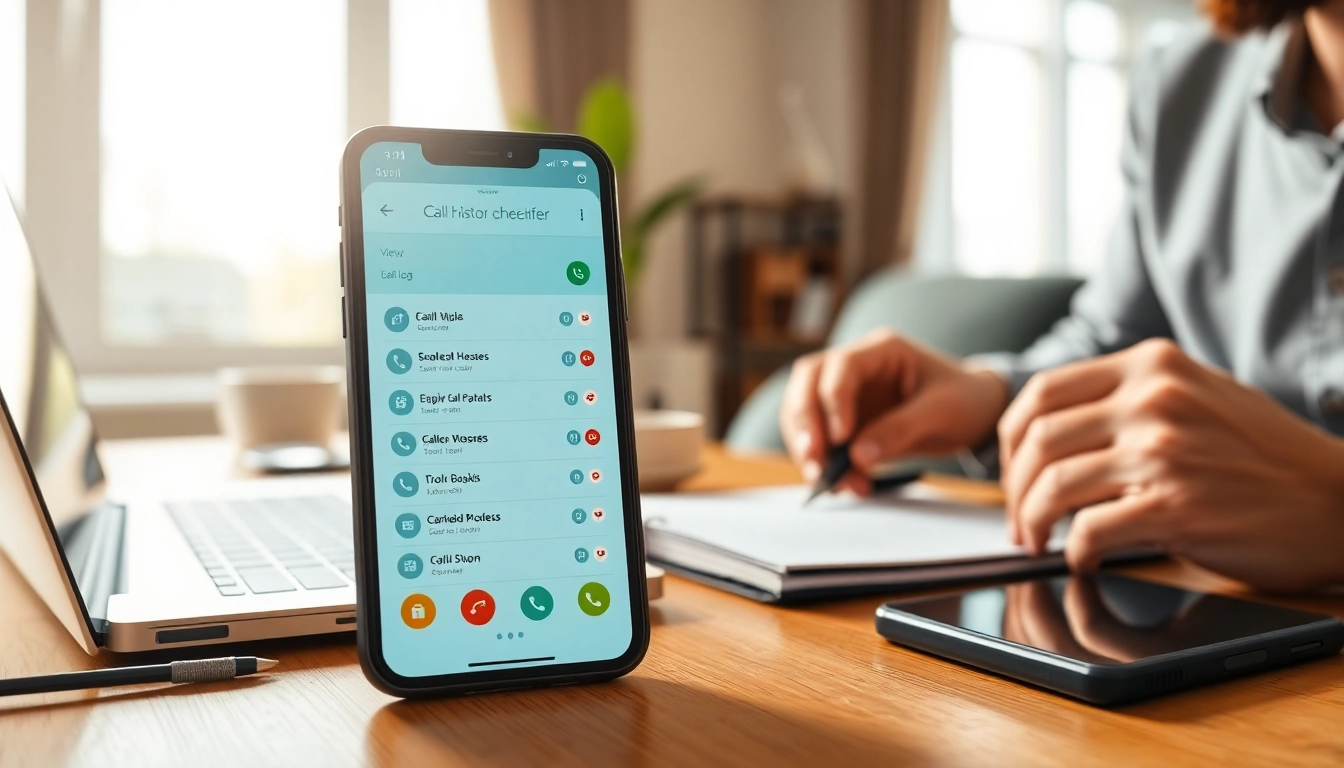
Accessing call logs via a call history checker is an intuitive process. Users can typically open the application and navigate to the call history section, where all past calls are listed. Most checkers allow searching by contact names or phone numbers, making it effortless to locate specific interactions.
Analyzing Call Patterns
Analyzing call patterns can reveal significant behavioral insights. Users can establish frequency metrics, such as how often they communicate with particular contacts or during certain times of the day. This analysis aids in understanding communication trends, enabling individuals to prioritize contact lists or follow up with high-frequency connections.
Identifying Important Calls
Call history checkers can highlight critical calls through various metrics. For example, users might keep an eye on the duration of calls or note missed calls to understand which connections require immediate attention. Furthermore, the ability to integrate contact details with call logs ensures that users can easily remember the context of important conversations.
Advanced Features of Call History Checkers
Integration with Contacts
One of the most powerful aspects of a call history checker is its ability to integrate seamlessly with contacts stored on the device. This integration streamlines the user experience by allowing access to relevant contact information alongside call history data. Enhanced functionalities often include adding notes to specific contacts or tagging calls based on their significance.
Exporting Call History Data
Being able to export call history data is a crucial function for users who need to maintain records or conduct analyses externally. Many call history checkers allow users to export their call logs in various formats such as CSV or PDF. This capability is particularly advantageous for businesses that require documentation for compliance or record-keeping.
Setting Up Alerts and Notifications
Setting up alerts and notifications can transform how users interact with their call records. Users can receive notifications for missed calls, allow reminders for follow-ups, or even set alerts for calls from specific contacts. This feature ensures no opportunities slip through unnoticed, enhancing the user’s overall communication efficiency.
Troubleshooting Call History Checkers
Common Issues with Call History Checkers
While call history checkers are generally user-friendly, users may occasionally face challenges, such as incomplete call records or difficulties in accessing specific logs. Problems with data synchronization or application crashes can also arise, leading to user frustration. Identifying the root cause of these issues is crucial for effective resolution.
How to Resolve Data Discrepancies
Data discrepancies within call history checkers can be troublesome. To resolve these issues, users should regularly refresh or sync their data to ensure that the most current logs are present. In cases of persistent errors, checking application permissions for access to call records or reinstalling the application may also help rectify inconsistencies.
Contacting Support for Advanced Help
If problems persist, contacting customer support for advanced help is advisable. Most call history checkers offer help centers or dedicated support teams. Users should prepare specific information about their issue, including error messages and steps taken prior to the incident, to facilitate efficient troubleshooting.
Future of Call History Checkers
Trends in Call Data Management
As technology continues to advance, the future of call history checkers is increasingly tied to sophisticated data management strategies. Enhanced analytics features, which can forecast communication patterns through predictive modelling, are becoming more common. Users can expect call history checkers to evolve beyond simply storing data to offering actionable insights for improved communication.
Impact of AI on Call History Checkers
Artificial intelligence is anticipated to significantly impact the functionality of call history checkers. AI can automate data categorization, recognize trends without manual input, and suggest optimal communication times. This evolutionary step toward intelligent data handling could make call history checkers incredibly valuable for users seeking enhanced communication efficiency.
Enhancing User Experience Through Innovation
Innovation will play a key role in enhancing user experiences with call history checkers. Future iterations may introduce more user-friendly interfaces, customizable features, and seamless integration with other communication tools. Prioritizing user feedback and trends in behavior will guide advancements in functionality and accessibility.
Frequently Asked Questions
What devices can use a call history checker?
Call history checkers can generally be used on smartphones and tablets, with most Android and iOS devices being compatible.
Is my data secure when using a call history checker?
Most reputable call history checkers prioritize data security, using encryption to protect user information and privacy.
Can I recover deleted call logs with a call history checker?
Some advanced call history checkers may offer recovery features, but this depends on the specific application’s capabilities.
Do I need an internet connection for a call history checker?
While many features can work offline, syncing and exporting usually require an internet connection for full functionality.
What should I look for when choosing a call history checker?
Key factors include user interface, features, data security, compatibility with your device, and customer support reliability.